Related products
-
Camera Parts
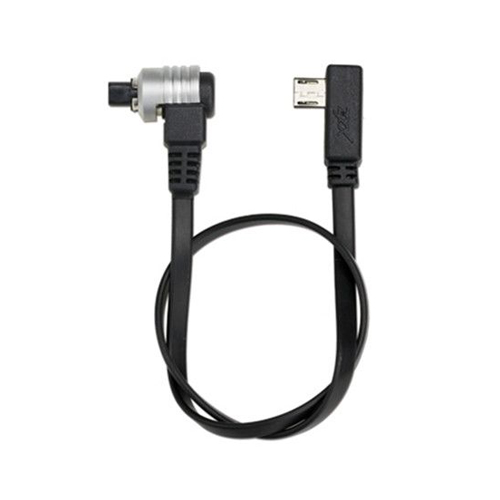
ZYX CANON Control Cable ZYX32
-
Camera Parts
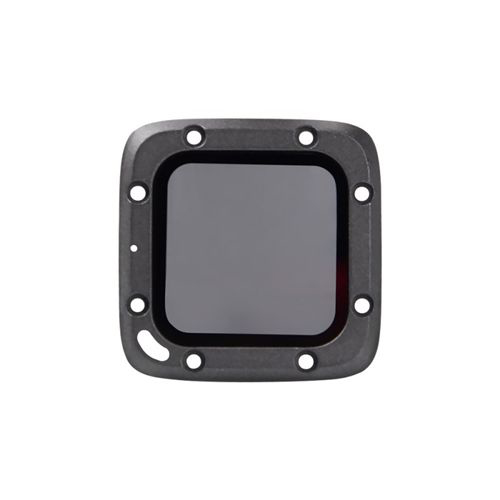
ND8 Filter for Foxeer BOX 1 and 2 PA1429
Feixiang RC Model Wholeseller Shop
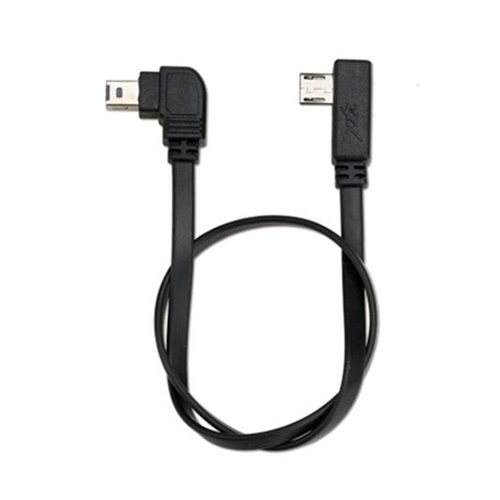


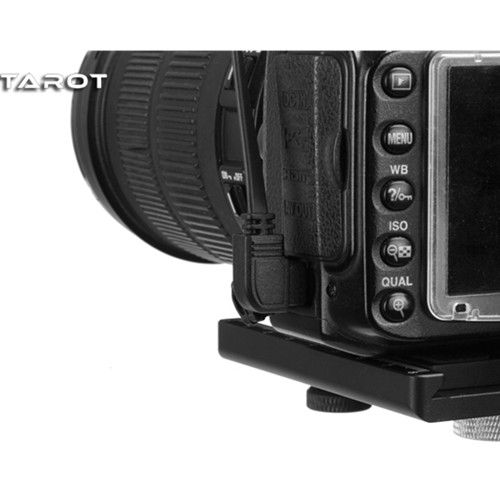


1.Supported devices: D7000 and other models
2.Supported functions: shutter
3.How to Use:
(1)Connection:
a. First, connect APP of your phone, and select camera brand “NIKON” in “General Setting” interface.
b. First connect Micro USB plug of control line with camera control interface on the inner side of pitch axis motor of stabilizer, and then connect the other end with control interface of camera.
(2) Operation:
a. Shutter (including focusing action): click “power button” to take one capture.
Length :33.5cm
Weight :8.3g
NIKON control cable X 1