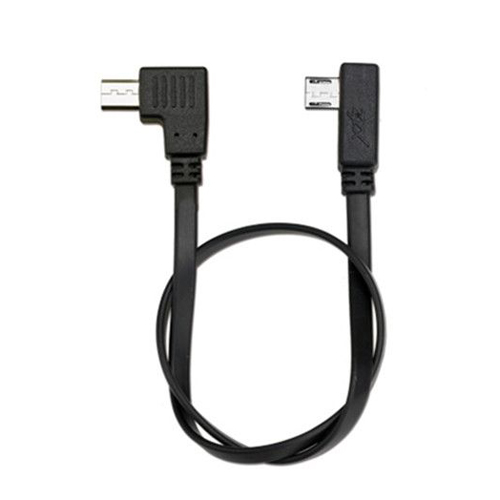
ZYX Sony Control Cable ZYX33


ZYX Sony Control Cable ZYX33
1. Supported devices: RX series, H series, QX series and all-series mirrorless camera.
2.Supported functions: shutter/ picture recording/ zoom
3.How to Use:
(1)Connection:
a.First, connect APP of your phone, and select camera brand “SONY” in “General Setting” interface.
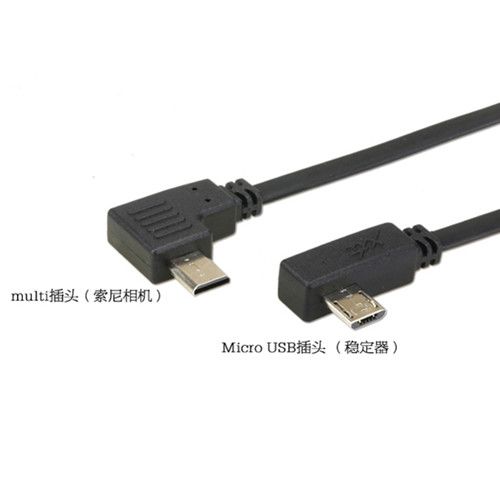
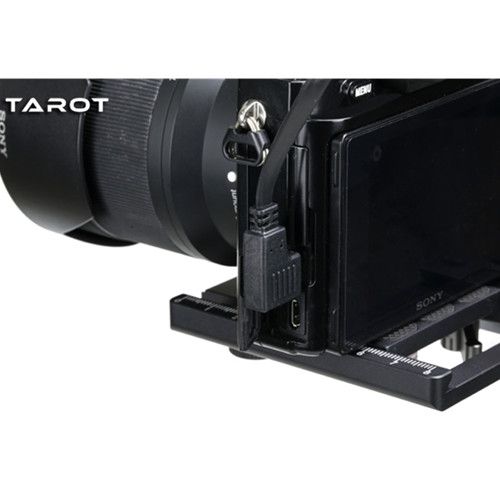
b. First connect Micro USB plug of control line with camera control interface on the inner side of pitch axis motor of stabilizer, and then connect the other end with “MULTI” interface of camera.
c.Stabilizer should be switched on in prior to camera, or the camera may be out of control.
(2) Operation:
a. Shutter (including focusing action): click “power button” to realize one-time capture.
b. Picture recording: double click “power button” to start picture recording, and then double click the button again to stop recording.
c.Zoom: push driving lever on handle towards “W” (up) to wide angle. “T” (down) to zoom.
Length :35cm
Weight :8.9g
Sony control cable x 1
Related products
-
Camera Parts
Tempered film for DJI Mavic Pro Camera
-
Camera Parts
tarot M-1 camera monopod hydraulic support ZYX35
-
Camera Parts
ZYX CANON Control Cable ZYX32